Sanad now works in VS Code and your terminal
The Sanad VS Code Extension and Sanad CLI bring account-based AI coding to the tools software engineers already use. Install, sign in, choose Personal or company funding, select a model, and start coding.
Two clients, one Sanad account
Both clients connect only to Sanad. No provider API key, custom base URL, or third-party provider setup is required. Browser-based device login keeps provider credentials out of your local configuration.
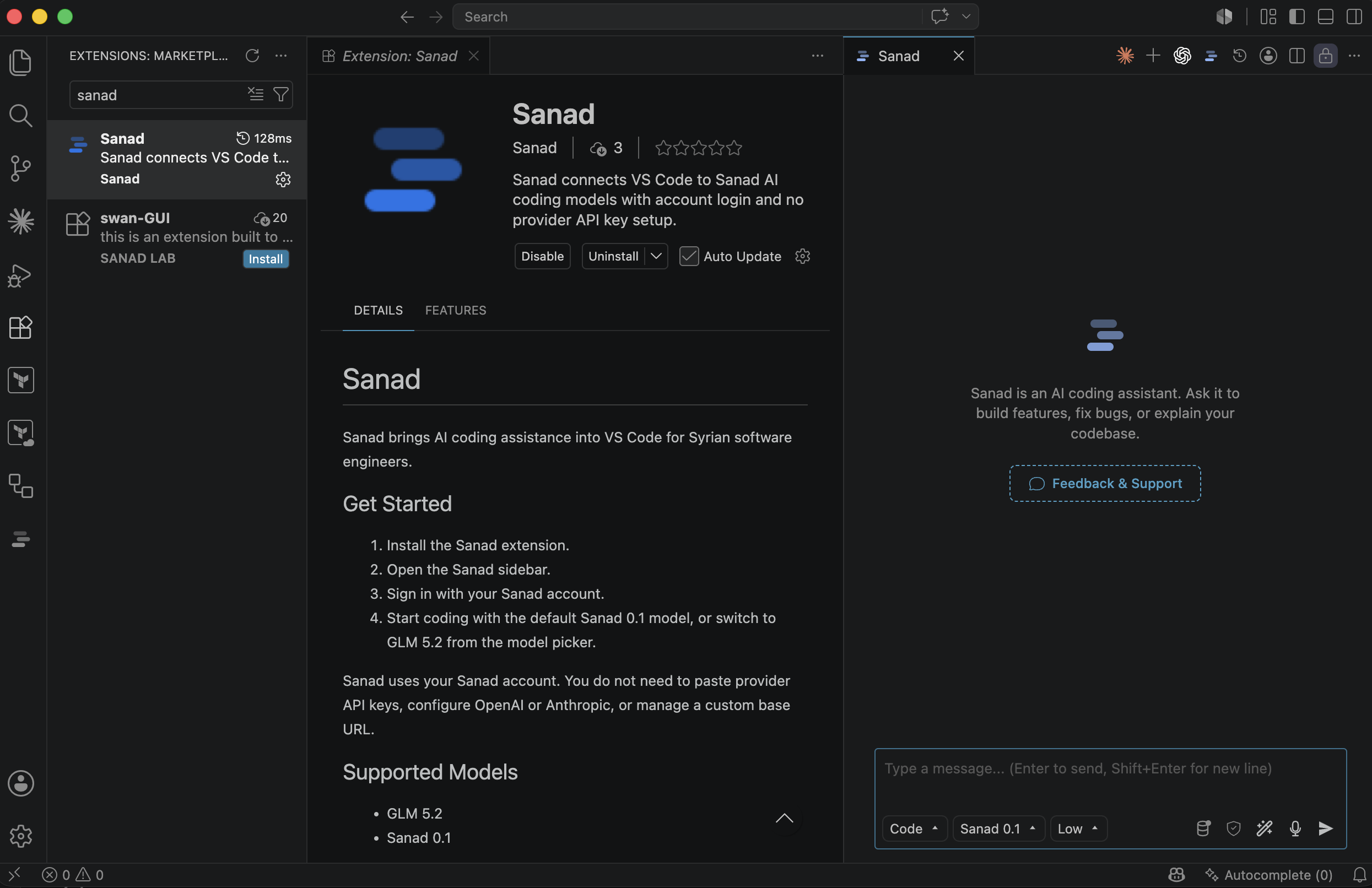
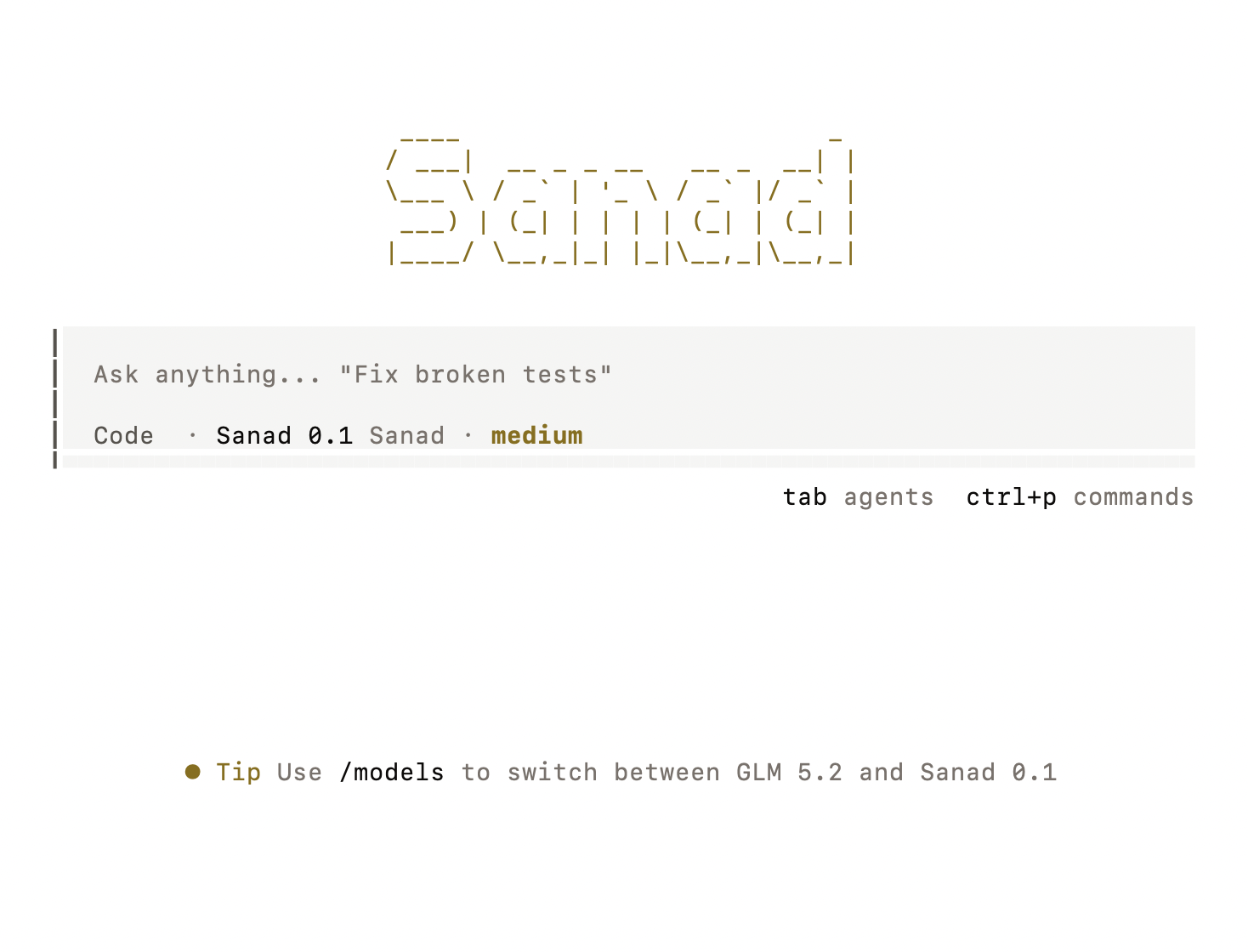
Sanad VS Code Extension
Chat, plan, review, edit files, and approve terminal commands without leaving your editor. The extension bundles the matching local Sanad runtime for your platform.
Install from Visual Studio Marketplace →Sanad CLI
Open the full-screen coding agent from any repository, or run a focused one-shot task from a shell or automation workflow.
View @sanad.dev/cli on npm →Start in VS Code
- Install Sanad from Visual Studio Marketplace.
- Open the Sanad icon in the Activity Bar.
- Choose Login with Sanad and finish browser verification.
- Run Sanad: Select Funding and choose Personal or a company.
- Select Sanad 0.1, GLM 5.3, GLM 5.3 Flash, or another model in your account catalog and start a conversation.
The extension starts its bundled local runtime automatically. You do not need to install the CLI separately for the extension to work.
Start in your terminal
$ npm install -g @sanad.dev/cli
$ sanad login
$ sanad funding
$ cd your-project
$ sanad
The first login opens a Sanad device confirmation in your browser. Run sanad funding to choose Personal or company funding before opening the interactive coding agent. For a one-shot request, use sanad run "review the current changes".
Built for real repository work
The clients use the current server-advertised Sanad model catalog, including GLM 5.3 and GLM 5.3 Flash, with ask, code, plan, debug, and review workflows. File changes and terminal commands remain approval boundaries by default, so developers can inspect proposed work before it changes the repository.
The VS Code Extension and CLI share the same product behavior and Sanad-only model catalog. The extension uses its bundled runtime; the standalone CLI is for developers who prefer a terminal-first workflow or want to run Sanad outside VS Code.
Available now
The extension is published for supported macOS, Windows, Linux, and Alpine targets. The CLI package selects the correct platform runtime during installation. Sign in with the same Sanad account in either client.
Choose where you code
Install the editor extension or terminal client, choose Personal or company funding, then select Sanad 0.1 to try our development-first research preview.
Install the VS Code Extension